
Why AI on mobile is its own discipline
That is mobile engineering, and it is what we do. We’ve shipped AI features that run on the device itself: real-time image recognition with no network, models that guide the user as they frame a camera shot, inference that returns an answer in the time it takes to glance at a screen.
We’ve also built the unglamorous parts that make AI trustworthy: versioning models so an update can’t break a live feature, treating latency as a budget rather than a hope, and designing for the moment the model is wrong, because sometimes it will be.
We don’t treat AI as magic. We treat it as a dependency with constraints on size, speed, accuracy, and cost. And we build around them the way we build around any other.
What we handle
On-device and cloud inference
Platform models or your own
Real-time vision and speech
Model lifecycle and distribution
AI safety and trust patterns
The stack
Featured work
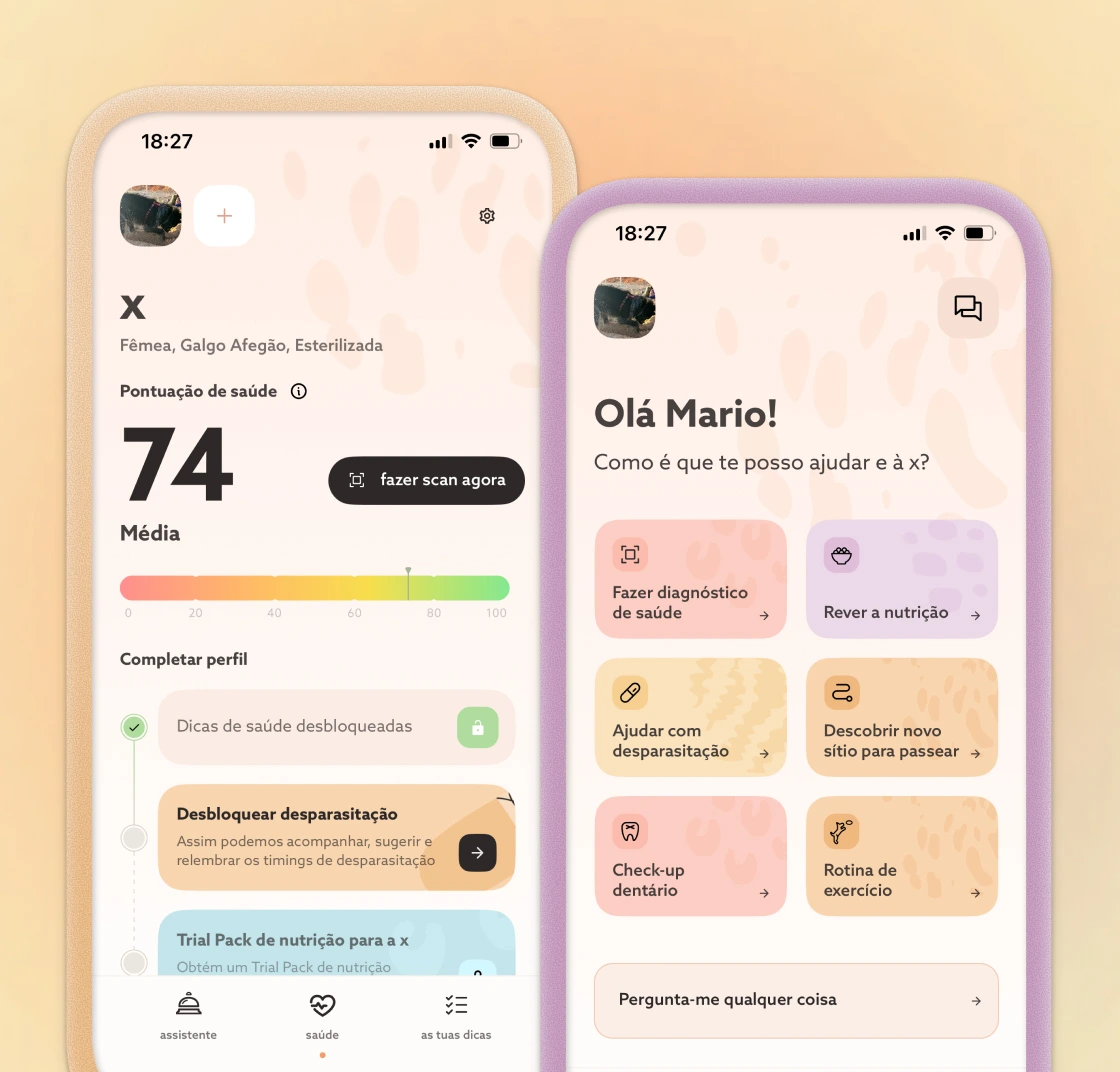
Barkyn AI Health
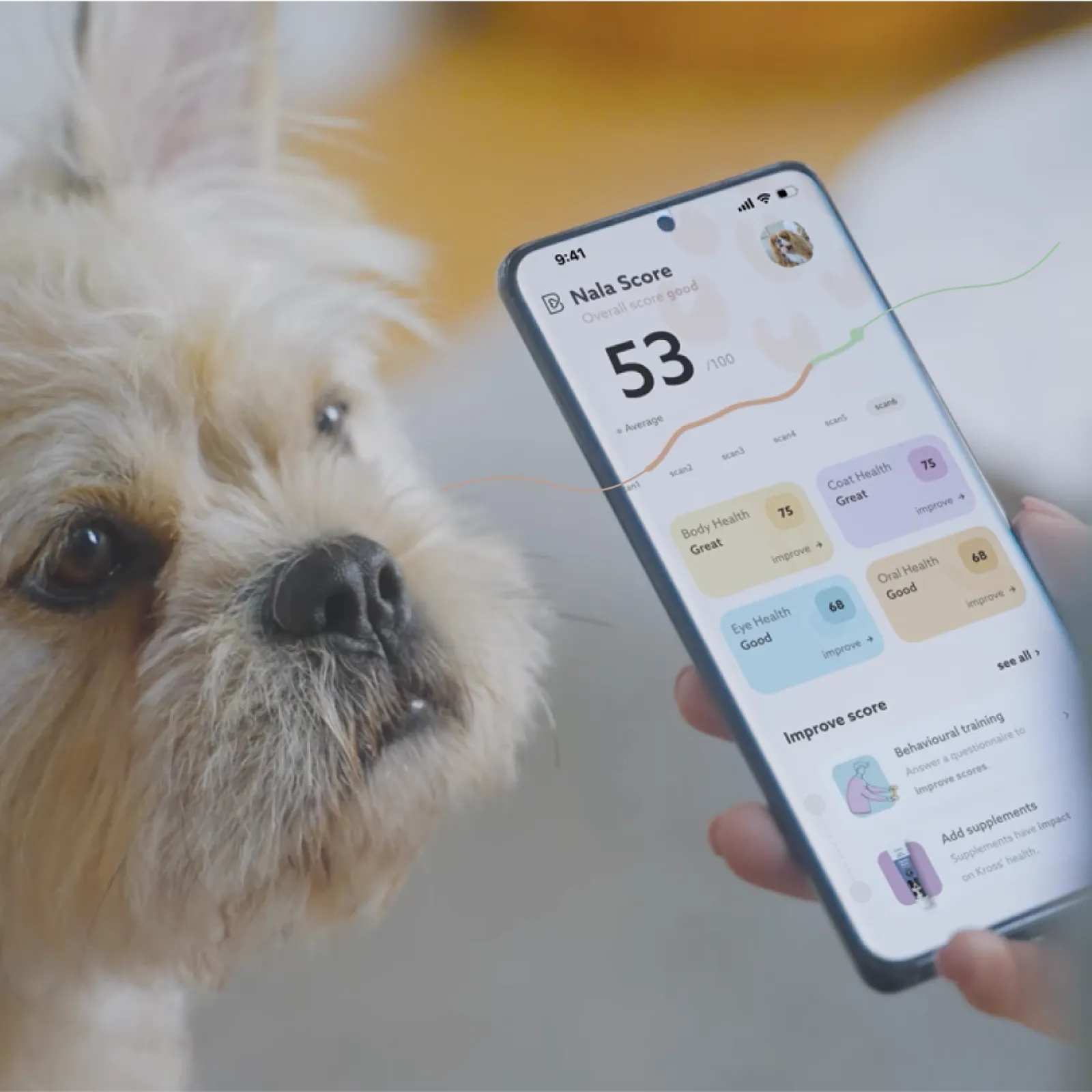
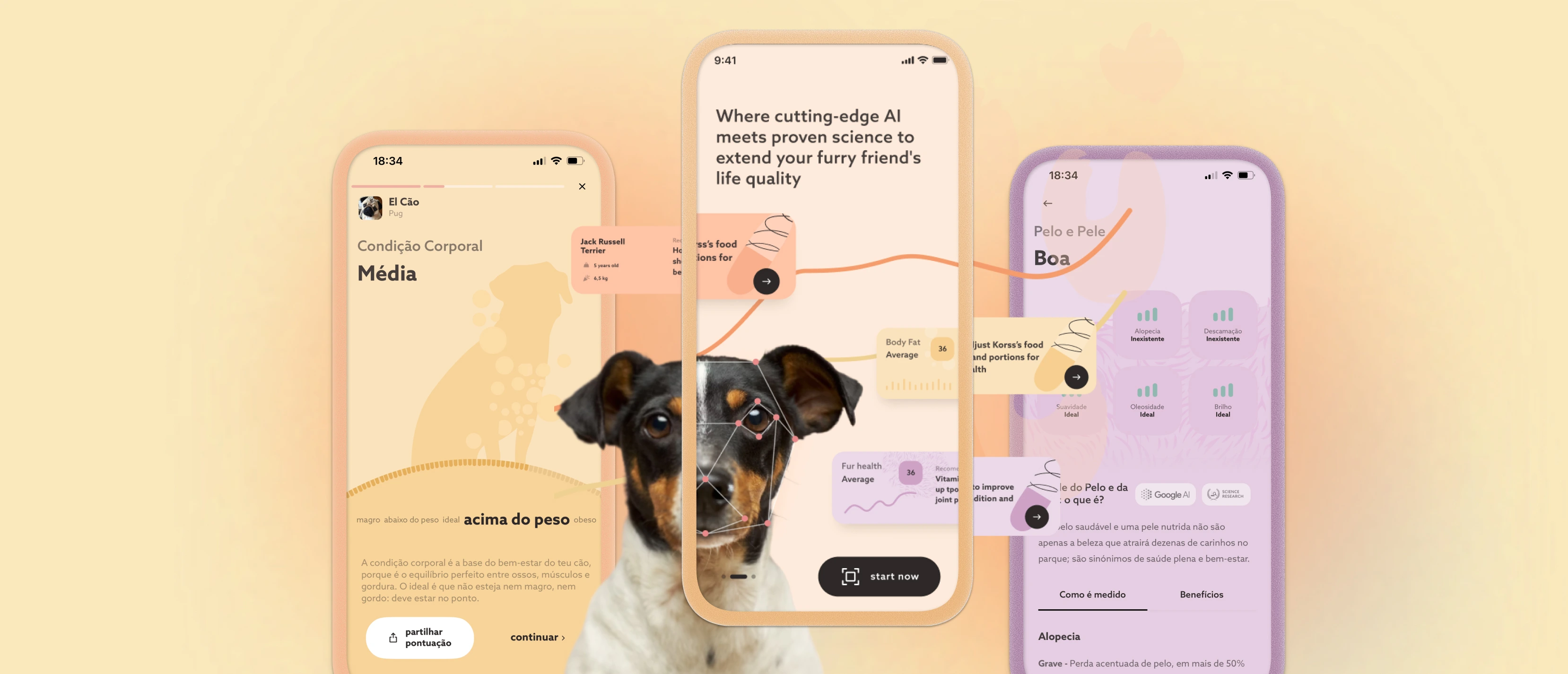
We built the mobile side: a camera-first capture experience with real-time guidance that helps users frame each photo correctly, so results feel accurate and instant.
The hard part wasn’t the technology, it was shipping improvements without breaking user trust. We built the app so the product could iterate fast while the experience stayed reliable. That is the difference between an AI demo and an AI product.
How we build with AI
Plan
Full context: needs, designs, constraints, edge cases. Assumptions surface before any code.
Implement
Then context narrows. Agents take one concrete responsibility, not the whole product.
Validate
Reviewed and tested like any code, often stricter. Judgement stays human.
Ways to work with us
Zero to One
Product Strategy & Consulting
Team augmentation
Audit & Repair
FAQ
Both, it depends on the job. We run models on-device with Core ML on iOS and ML Kit on Android when speed, offline use, or privacy matter, and reach for the cloud when a task needs a larger model. Often it's a mix: on-device for the instant path, the cloud for the heavy lifting. We choose based on your product, not on hype.
We treat latency as a budget, not a hope. That means running inference on-device where we can, streaming results so users see progress instead of a spinner, and keeping the work off the main thread so the app stays smooth. If a model can't hit the budget, we redesign the interaction around it rather than ship a laggy screen.
On-device inference means the data, a photo, a document, a voice note, can be processed on the phone without ever leaving it, which is often the most private option and a strong fit for fintech and regulated apps. When a feature does need the cloud, we're explicit about what's sent, keep it to a minimum, and build to your compliance requirements (PCI, FCA, GDPR).
We version models and ship them independently of app releases, with staged rollout and a forced-update path when it's needed. The model can improve quickly while the experience stays reliable, and if an update regresses, we roll back without waiting on an App Store cycle. Treating the model as a managed dependency is the difference between an AI demo and an AI product.
It depends on the model, the constraints, and how finished "finished" needs to be, a focused on-device feature is a very different scope from a full LLM-backed product. After a short discovery, we give you an honest number: what it takes to ship on mobile, the trade-offs, and where the risk sits. We'd rather be straight about that up front than surprise you later.
Native iOS (Swift, Core ML) and Android (Kotlin, ML Kit), plus cross-platform with React Native and Flutter when it fits. For AI that spans on-device models, real-time camera and vision, and integrating large and small language models. We pick the stack around the product's real needs: performance, device constraints, and longevity not a default.